Consumer Pausing in NATS 2.11: Hit Pause Without Losing Messages
NATS 2.11 introduced a simple but powerful JetStream feature: consumer pausing. It lets you temporarily halt message delivery to any consumer until a deadline you specify—without losing data, throwing errors, or disconnecting clients.
The Problem
You need to do some maintenance. Maybe it’s a database migration, a deployment, or you just need to stop processing for a bit while you debug a production issue.
Normally you’d have to stop your application or build custom logic to handle this gracefully. With consumer pausing, you don’t have to. Messages queue up, nothing gets lost, and when you’re ready, everything picks back up.
How It Works
- Your consumer receives messages like normal
- You send a config update with a pause deadline
- Message delivery suspends immediately (messages still flow to the stream)
- When the deadline passes, delivery resumes automatically—or you can resume early
That’s it. Works the same for both push and pull consumers.
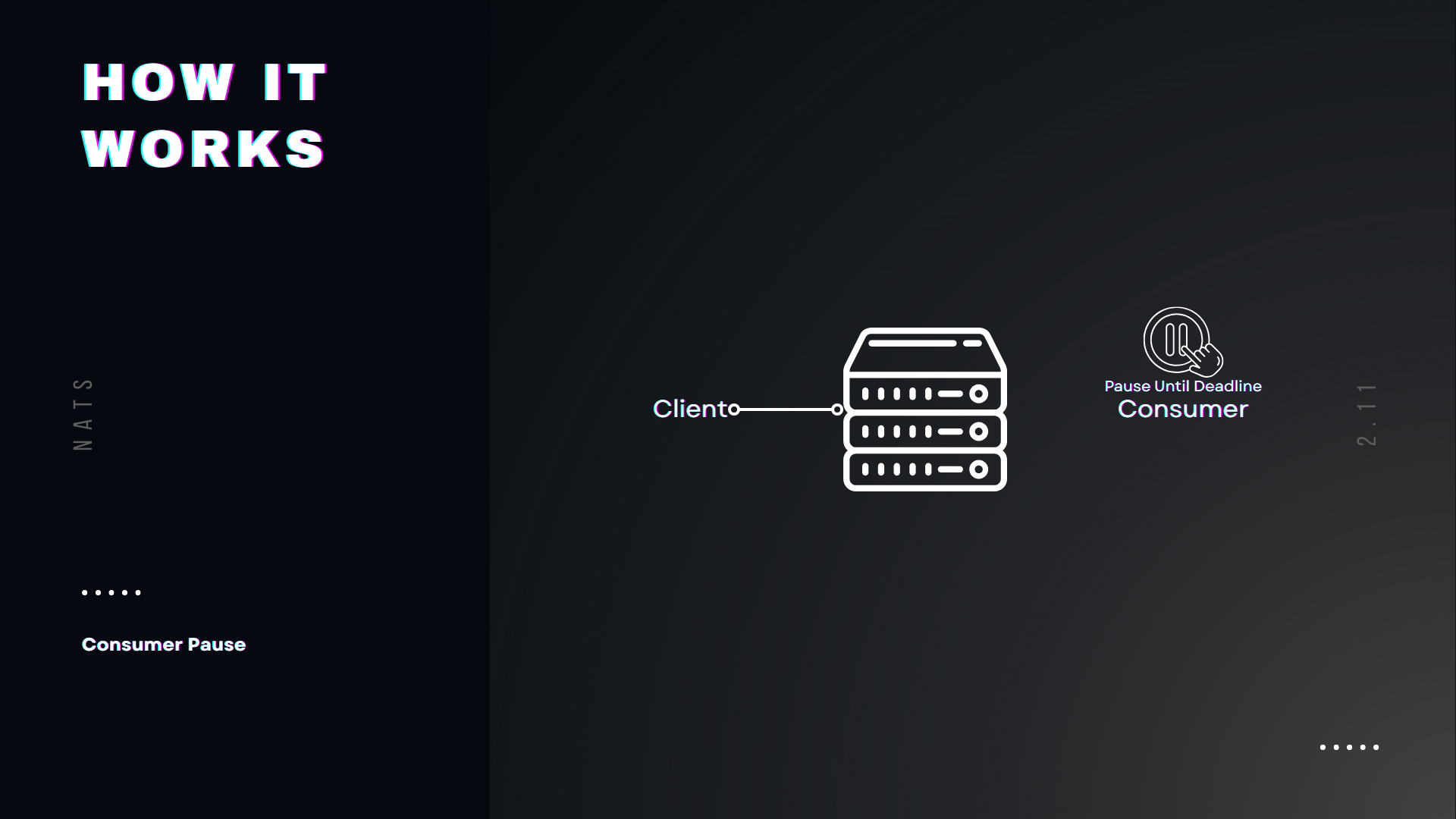
The elegant part: your application doesn’t even know it’s happening. It just stops receiving messages. No errors, no disconnects. It keeps getting heartbeats like everything’s fine.
One thing to note: if there’s a batch already in flight (say you pulled 100 messages and you’re processing them), NATS won’t yank those away. It waits until the batch is done, then pauses before the next one.
When to Use It
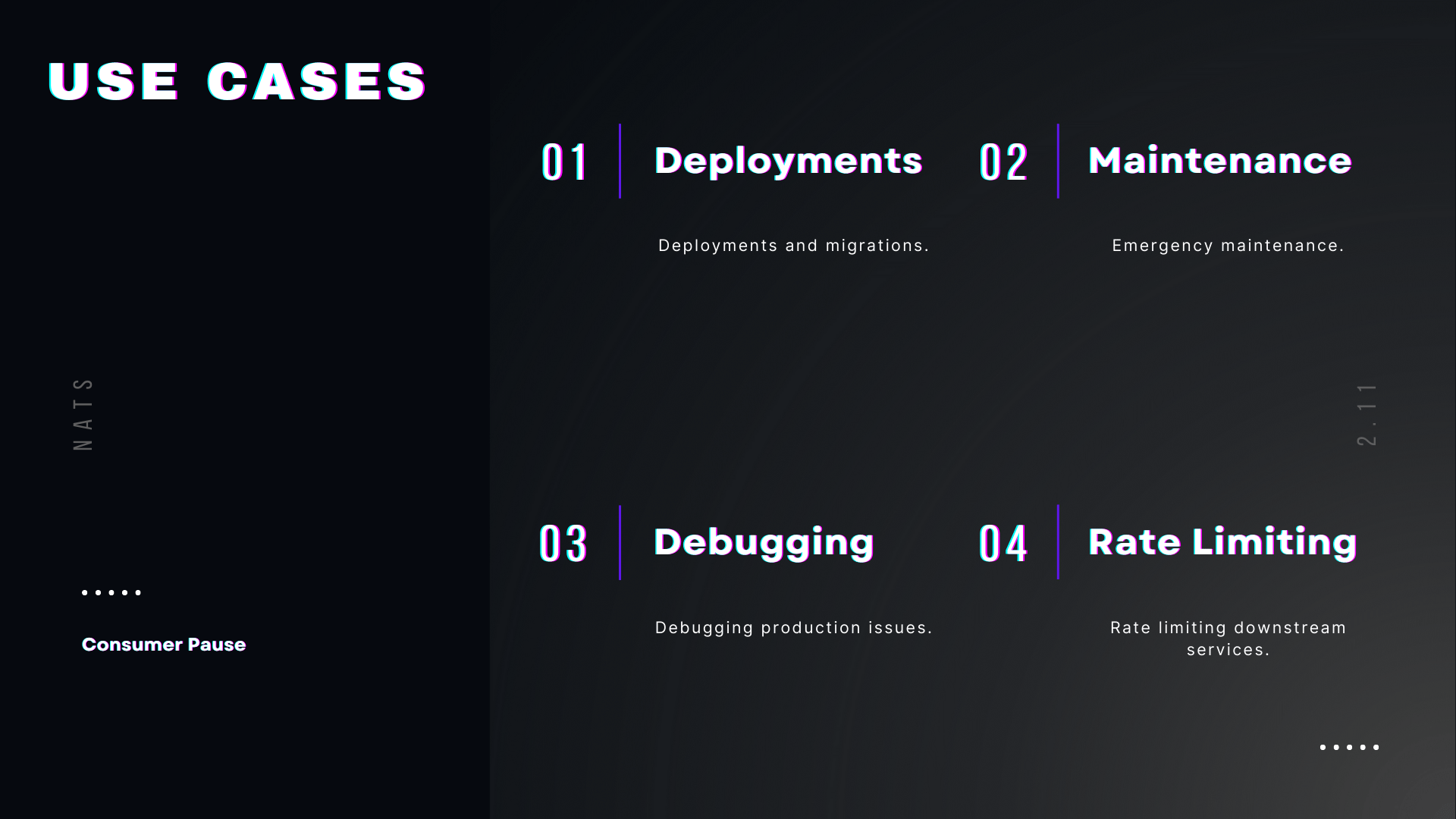
- Deployments and migrations — pause consumers while you roll out changes
- Emergency maintenance — stop processing immediately without killing your app
- Debugging production issues — freeze the flow while you investigate
- Rate-limiting downstream services — give an overwhelmed dependency time to recover
CLI Examples
Setup
First, create a stream to work with:
nats stream add events --subjects="events.>"Push Consumer
Create a push consumer and subscribe:
# Create the consumernats consumer add events worker --deliver worker.inbox
# Subscribe to receive messagesnats sub worker.inbox
Start publishing messages (one per second):
nats pub events.test "message {{Count}}" --count=-1 --sleep=1sPause the consumer for 10 hours:
nats consumer pause events worker 10hMessages stop flowing to your subscriber immediately. The stream still receives them—they’re just queued up waiting.
Check the consumer state:
nats consumer info events workerYou’ll see the pause deadline in the output.
Resume early when you’re ready:
nats consumer resume events workerMessages start flowing again, and you catch up on everything that was published during the pause.
Extending the Pause
Need more time? You can extend (or shorten) the pause duration at any point by calling pause again with a new deadline:
# Originally paused for 10 minutes, but need another hournats consumer pause events worker 1hThe new deadline replaces the old one—no need to resume and re-pause. This is handy when maintenance takes longer than expected or you realize you need to pause for a different amount of time.
Pull Consumer
The flow is similar for pull consumers:
# Create a pull consumernats consumer add events puller
# Start pulling messagesnats consumer next events puller --count=1000
Pause with an automatic resume after 10 seconds:
nats consumer pause events puller 10sCount to ten, and messages start flowing again automatically.
Pause on Creation
You can also initialize a consumer in a paused state:
nats consumer add events worker --pause=1hOr use an absolute timestamp:
nats consumer add events worker --pause-until="2024-12-01T10:00:00Z"Go Code Example
Here’s a simple worker that creates a consumer and processes messages:
func main() { nc, _ := nats.Connect(nats.DefaultURL) js, _ := jetstream.New(nc)
// Create stream js.CreateOrUpdateStream(ctx, jetstream.StreamConfig{ Name: "events", Subjects: []string{"events.>"}, })
// Create consumer consumer, _ := js.CreateOrUpdateConsumer(ctx, "events", jetstream.ConsumerConfig{ Name: "worker", })
// Start consuming in a goroutine go func() { consumer.Consume(func(msg jetstream.Msg) { fmt.Printf("Received: %s\n", string(msg.Data())) msg.Ack() }) }()
// Publish messages every second for { js.Publish(ctx, "events.test", []byte("hello")) time.Sleep(time.Second) }}And a separate program to pause/resume:
func main() { nc, _ := nats.Connect(nats.DefaultURL) js, _ := jetstream.New(nc)
stream, _ := js.Stream(ctx, "events") consumer, _ := stream.Consumer(ctx, "worker")
if os.Args[1] == "resume" { consumer.Resume(ctx) fmt.Println("Consumer resumed") } else { deadline := time.Now().Add(time.Hour) consumer.Pause(ctx, deadline) fmt.Println("Consumer paused for 1 hour") }}Run the worker, then pause and resume from another terminal:
# Terminal 1go run worker.go
# Terminal 2go run pause.go pause    # Messages stopgo run pause.go resume   # Messages flow again
Wrapping Up
Consumer pausing is simple but incredibly useful—no more custom backpressure logic just to temporarily halt processing. It’s the kind of feature that comes from years of seeing how people actually use NATS.
Pause when you need to, resume when you’re ready, and never lose a message.
We’re building the future of NATS at Synadia. Want more content like this? Subscribe to our newsletter
Related posts
All posts